
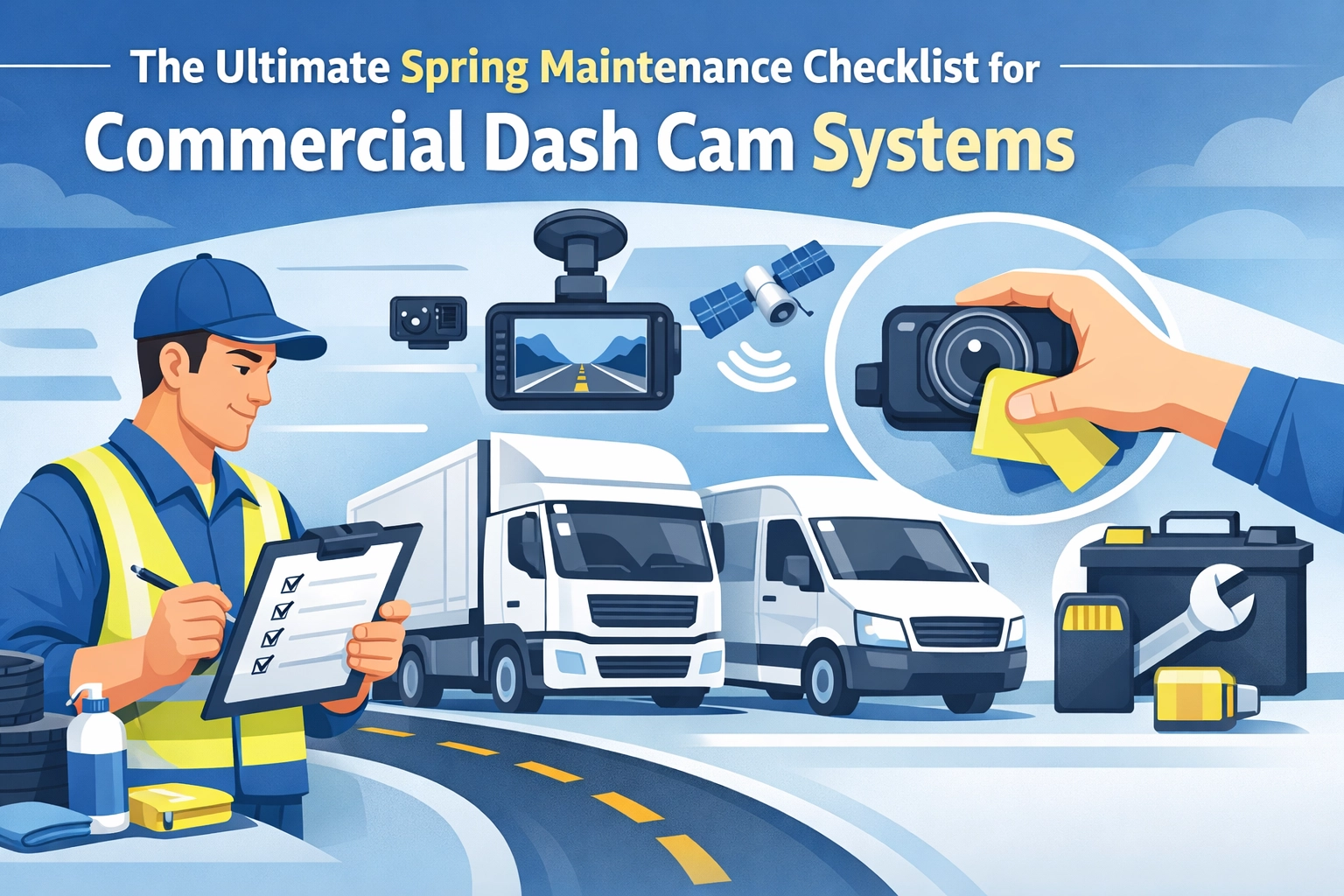
Essential Spring Maintenance Checklist for Commercial Dash Cam Systems
As the winter frost recedes and the roads clear, fleet managers often turn their attention to vehicle maintenance. While oil changes and tire rotations are standard springtime rituals, your fleet’s technology requires the same level of care. Winter is notoriously harsh on electronics. Extreme cold, road salt, and constant vibrations from icy roads can degrade even the most robust commercial dash cam system.
Spring represents the perfect window to perform a comprehensive audit of your hardware and software. Ensuring your equipment survived the winter transition is critical for maintaining safety standards and protecting your company from liability during the busy “long haul” season ahead. A malfunctioning camera is more than a technical glitch; it is a blind spot in your risk management strategy.
Use this ultimate spring maintenance checklist to ensure your dual dash cam for fleets is primed and ready for the road.
1. Physical Inspection and Lens Care
The most common issue following a winter season is visual obstruction. Road salt and grime often find their way onto exterior-facing lenses, while interior moisture can lead to spotting on the cabin-facing side.
- Clean the Lenses: Use a clean microfiber cloth to gently wipe both lenses in a circular motion. Avoid using harsh chemical cleaners or abrasive paper towels, which can scratch the glass and permanently blur your footage.
- Check the Housing: Inspect the camera body for any cracks or signs of moisture ingress. Even small hairline fractures can allow humidity to seep in during spring rain showers, leading to internal corrosion.
- Verify Mounting Stability: Winter potholes and frost heaves create significant cabin vibration. Ensure that the mounting brackets are still securely attached to the windshield or dashboard. A vibrating camera doesn’t just produce poor video; it can trigger false “harsh driving” events in your AI system.
Maintaining clear visibility is the first step toward enhancing safety and efficiency in commercial fleets today. If the camera can’t see, the AI can’t protect your drivers.

2. Cables and Power Connection Audit
Low temperatures make plastic and rubber components brittle. The wiring for your commercial dash cam system is susceptible to cracking if it was exposed to extreme cold or frequent cabin temperature fluctuations.
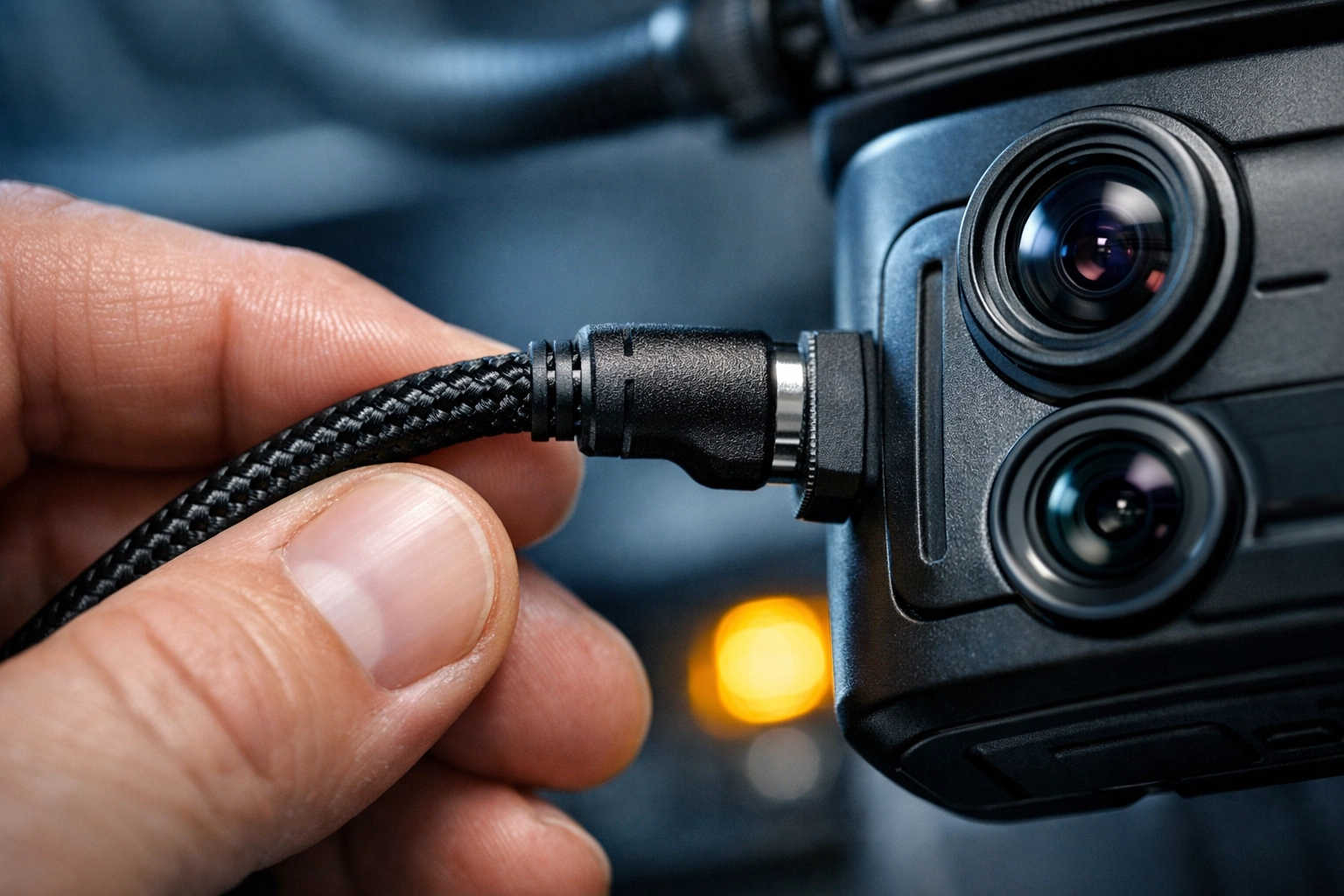
- Inspect Exposed Wiring: Trace the power cables from the camera to the power source. Look for fraying, crimping, or cracked insulation. Damaged wires are a leading cause of intermittent power loss, which often results in missing footage during critical incidents.
- Check the Ports: Ensure the USB or hardwire connections are seated firmly. Vibration can loosen these over time. If your system uses a cigarette lighter adapter, check for corrosion on the contact points.
- Battery/Capacitor Health: If your cameras use internal batteries or capacitors for “parking mode,” verify they are still holding a charge. Extreme cold often shortens the lifespan of these components.
3. Storage Media and SD Card Maintenance
SD cards are the unsung heroes of any dual dash cam for fleets. However, they have a finite number of write cycles. The constant recording and overwriting inherent in fleet operations mean that cards can fail without warning.
- Format the SD Cards: Spring is the time to perform a “fresh start” format on all storage media. This clears out file system errors and helps prevent “card full” errors that stop recording.
- Check Card Health: Many modern systems provide a health status for storage. If a card is over a year old or has been through several extreme temperature cycles, consider proactive replacement with high-endurance, industrial-grade cards.
- Test Retrieval: Don’t just assume the card is working because the light is on. Pull a random sample of footage from the previous week to ensure the files are uncorrupted and accessible.
Reliable data storage is essential for understanding the impact of vehicle downtime on fleet productivity, especially when footage is needed for insurance exoneration.
4. Firmware and Software Updates
Manufacturers frequently release firmware updates to improve AI detection accuracy, fix bugs, and enhance cybersecurity. If you haven’t updated your system since last autumn, you are likely running outdated software.
- Update Firmware: Check the manufacturer’s portal for the latest firmware versions. These updates often improve how AI enhances driver behavior in fleet management, making the system more accurate at detecting distracted driving or tailgating.
- Review Dashboard Settings: Spring is a good time to adjust your G-sensor sensitivity settings. Now that the roads are smoother (post-snowplow season), you may want to recalibrate what constitutes a “harsh event” to reduce “noise” in your reporting.
- Check Connectivity: For cloud-connected systems, verify that the cellular or Wi-Fi upload speeds are consistent. Ensure that the SIM cards are active and that data plans are sufficient for the increased mileage expected in the coming months.

5. Fleet-Level Monitoring and Compliance
Individual camera checks are important, but a fleet manager must also look at the system as a whole. Spring audits help you identify “problem” vehicles or drivers who may have disabled their systems during the winter.
- Audit Footage Gaps: Use your fleet management dashboard to look for vehicles with missing logs. If a vehicle has been active but has no recorded video, it indicates a hardware failure or driver tampering.
- Verify Compliance: Ensure your system still meets all fleet safety regulations for compliance. This includes checking that cameras are not obstructing the driver’s view according to DOT standards.
- Driver Training Refresher: Use spring as an opportunity to review the best practices to enhance fleet safety today with your team. Show them how the cameras helped protect drivers during winter accidents to build “buy-in” for the technology.
6. Preparing for the Heat Transition
While we are focusing on recovering from winter, we must also prepare for the upcoming summer heat. Spring is the transition period where cabin temperatures can begin to soar.
- Test Heat Thresholds: Some lower-quality cameras may shut down when interior temperatures exceed 100°F. Verify that your commercial dash cam system is rated for high-temperature operation.
- Check for Sun Damage: Inspect the suction cups or adhesive mounts. Direct sunlight can cause adhesives to melt or suction cups to lose their seal. Replacing a $5 mount now prevents a $500 camera from falling and breaking later.
- Optimize Placement: If you noticed glare issues during the low winter sun, consider adjusting the angle of the camera or adding a polarizing filter to improve clarity for the bright summer months ahead.
Conclusion: The ROI of Proactive Maintenance
A well-maintained dual dash cam for fleets is one of the most effective tools for cost control. Beyond safety, these systems play a massive role in discovering the benefits of dash cameras for cost reduction. By preventing insurance fraud and reducing accident-related expenses, the technology pays for itself: but only if it is functional.
Taking one day this spring to run through this checklist across your fleet can save thousands of dollars in lost data, unrecorded incidents, and hardware replacements. At Safety Track, we recommend integrating these checks into your standard preventative maintenance (PM) schedules.

When your tech is as ready for the road as your drivers are, you can operate with the confidence that every mile is protected, monitored, and optimized for the long hauls ahead. For more insights on how to keep your fleet at peak performance, explore our guide on essential insights on GPS tracking for commercial fleets.

Tyler Schneider is the IT Director at Safety Track, overseeing the company’s technological infrastructure and innovations. With a strong background in information technology and systems management, Tyler ensures that Safety Track stays at the forefront of tech solutions in fleet management. His strategic expertise supports the seamless integration of technology across the company’s operations.