
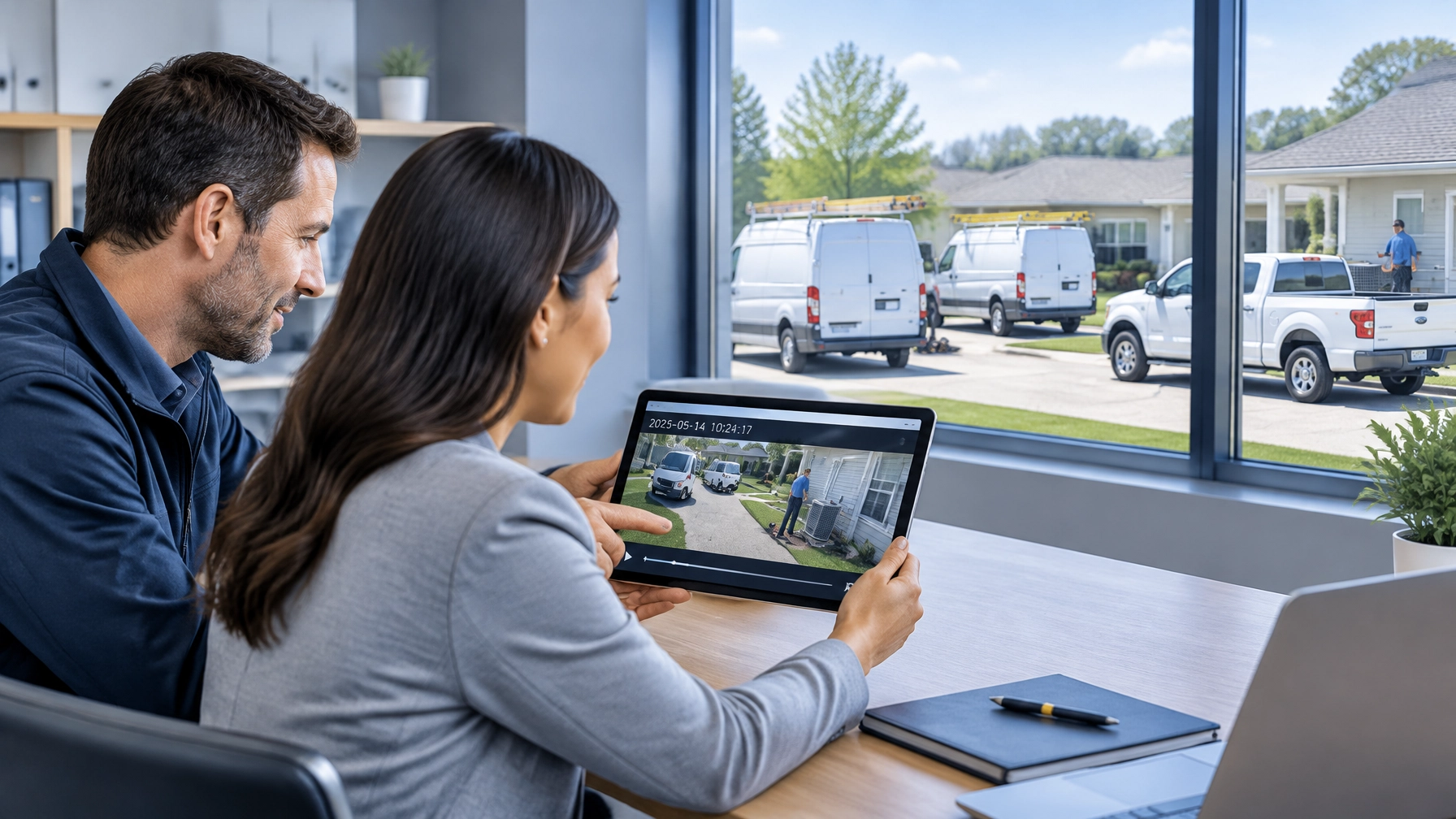
Show Your Customers the Receipt: Turning Fleet Video Into Repeat Business
A customer does not only want a completed job. Customers want confidence that the technician arrived when promised, completed the work properly, and left the property in good condition.
For small HVAC, plumbing, landscaping, delivery, and contractor fleets, fleet video can provide that confidence. The same footage that protects a company during an insurance claim can also answer everyday customer questions and support stronger reviews.
Fleet cameras are not only defensive tools. Used correctly, they become customer service tools.
Arrival proof, timestamped job records, and clear completion documentation reduce disputes. They also give owners a practical way to show customers what happened instead of asking them to rely on a verbal explanation.
Fleet Video Answers the Questions Customers Actually Ask
Most customer complaints are not complicated. They usually come down to a few basic questions:
- Did the technician arrive within the scheduled window?
- Was the vehicle at the correct property?
- Did the technician complete the assigned work?
- Did the crew damage anything?
- Was the work area left clean?
- Why does the invoice include this charge?
GPS tracking and fleet video give managers a clearer way to answer these questions. Vehicle location confirms where a service vehicle was and when it arrived. Video can provide additional context around the approach, arrival, departure, and reported incident.
For work that requires a visual completion record, technicians can follow a documented process that includes photos or short clips of the finished area. That record can show equipment placement, a completed installation, a cleared work area, or the condition of a property when the job ended.
The result is simple: fewer assumptions and faster answers.
Safety Track’s live video fleet camera systems provide remote visibility into commercial vehicles. When combined with GPS tracking, the business gains a more complete record of the customer visit.
Turn an Arrival Window Into Arrival Proof
Arrival windows create pressure for both customers and service companies. Traffic, emergency calls, weather, and scheduling changes can affect a technician’s route. Customers still want accurate updates.
A fleet manager can use GPS location data to see whether a service van is approaching, delayed, or already at the job site. Video adds context when a customer questions whether the technician arrived or whether the vehicle stopped at the correct location.

A strong arrival record should connect:
- The vehicle or unit number
- The assigned driver or technician
- The scheduled appointment
- The GPS arrival time
- The relevant video timestamp
- The departure time
This does not require sending customers an entire route recording. A manager can provide a concise update or a relevant clip when needed.
For example, a customer may claim that the technician never arrived. The office manager can review the vehicle’s location and confirm that the van reached the property at 10:08 a.m. If the customer still has a concern, the business can respond with facts instead of entering a long argument about memory and timing.
Accurate arrival records protect the customer experience. They also help the business identify genuine scheduling problems when they occur.
Show What “Job Complete” Looks Like
A completed invoice does not always feel complete to the customer. Customers may want confirmation that the requested work was performed and that the property was left in acceptable condition.
A consistent completion process helps close that gap. After finishing a job, a technician can:
- Confirm the work order before leaving
- Record a short completion clip or photo when appropriate
- Capture the finished equipment or service area
- Show that tools and materials were removed
- Note any customer-approved changes
- Mark the job complete in the service workflow
- Leave a timestamped record for the office
The vehicle camera may not show the work itself. That distinction matters. Fleet video can document vehicle arrival, departure, loading, unloading, and surrounding events. A separate technician workflow can document the completed work area.
Together, these records create a more complete service history.
A clean finished-work clip can make a difference when a customer says debris was left behind or claims that a gate, wall, driveway, or landscaping feature was damaged. The business can review the record from the same day and determine whether the complaint is accurate.
When something really did go wrong, the same process helps the company respond faster and take responsibility. Customer satisfaction improves when a business investigates promptly instead of delaying the conversation.
Replace Invoice Arguments With a Clear Record
Billing disputes often begin with uncertainty. A customer may question the arrival time, the length of the visit, an added service, or whether the job was completed.
Fleet video and GPS data do not replace signed work orders or billing records. They support them with additional context.
A manager can compare:
- The scheduled appointment window
- The vehicle’s arrival and departure times
- The technician’s work order
- Customer approvals
- Completion photos or clips
- Any reported property damage
- The final invoice
This process separates genuine billing errors from misunderstandings. It also gives the customer a more professional response.
Instead of saying, “The technician says the job was completed,” the office can say, “The vehicle arrived at 1:14 p.m., the technician marked the work complete at 2:02 p.m., and the completion record shows the finished area before departure.”
That level of detail builds trust. It shows that the company monitors its service process and takes the customer’s concern seriously.
Make Video Easy to Find and Easy to Share
Fleet video creates business value only when employees can use it quickly. Small fleets should establish consistent habits before a dispute occurs.
Use clear vehicle and job markers
Vehicle names should match the company’s existing records. Use unit numbers, technician names, or service categories consistently.
Job markers should include the customer, work order, or route identifier when the platform allows it. Consistent labels reduce the chance that an office manager reviews the wrong vehicle or time period.
A useful naming structure might include:
- Unit 04, HVAC North
- Unit 07, Plumbing South
- Work Order 24518
- Customer initials and appointment date
The exact format matters less than using the same format every time.
Share a clip by link instead of by phone
A phone explanation can become a debate. A relevant video link gives the customer something concrete to review.
When the platform supports secure sharing, send only the necessary clip. Avoid sharing an entire day of footage or unrelated customer information. Set appropriate permissions and use an approved sharing process.
A link can support a short message such as:
“The attached clip shows Unit 04 arriving at 9:42 a.m. and leaving at 10:31 a.m. The completion record was created immediately after the work was finished.”
If a direct link is not available, the manager can download the clip and share it through a secure customer service or file-sharing channel.

Review disputes the same day
The longer a dispute remains unanswered, the more difficult it becomes to resolve. Managers should review customer complaints on the day they are received whenever possible.
A same-day review can confirm whether:
- The vehicle arrived at the right location
- The technician followed the planned route
- A reported incident occurred
- The customer’s property concern matches the available record
- The company needs to correct an invoice
- The technician needs additional coaching
Fast review does not mean automatically defending the company. It means giving the customer a timely, accurate answer.
The ROI Is Larger Than Claims Protection
Some owners do not view insurance claims as a reason to install cameras. That does not remove the business case.
The return can come from better customer retention and less administrative work.
Fleet video helps small businesses:
- Reduce time spent investigating customer complaints
- Resolve disputed arrival windows faster
- Support accurate billing
- Identify recurring service problems
- Improve technician accountability
- Build customer confidence
- Protect strong online reviews
- Create a more consistent service experience
One resolved dispute can protect a customer relationship that produces years of repeat work. One verified arrival can prevent an unnecessary refund. One completion record can reduce the time an owner spends calling drivers and reviewing handwritten notes.
The technology also supports operational improvement. If a company finds that technicians regularly arrive late to a specific area, managers can adjust routes or appointment windows. If customers repeatedly report unclear completion communication, the business can improve its closeout process.
This is where fleet video moves beyond claims. It becomes part of the company’s customer retention strategy.
Unlimited Access Makes Daily Use Practical
Small businesses need predictable technology costs. Safety Track’s unlimited video plan costs $99.95 per vehicle, per month and includes unlimited video viewing and unlimited video downloads.
That matters when managers use footage for more than collisions. The same system can support:
- Customer service investigations
- Arrival verification
- Job documentation
- Driver coaching
- Property damage reviews
- Insurance claims
- Internal training
Customers also have immediate control over their footage. Authorized users can access and review available video without waiting for a vendor to retrieve it. That control supports faster answers when a customer calls with a time-sensitive concern.
Safety Track’s AI fleet monitoring solutions can be tailored to the needs of service businesses, including HVAC companies, plumbing fleets, delivery operations, contractors, and lawn care providers.
Make Every Service Visit Easier to Trust
Customers remember how a business handles uncertainty. A company that responds quickly with accurate information earns more confidence than one that asks customers to wait while employees search for answers.
Fleet video gives small business owners a practical way to show the receipt:
- The vehicle arrived.
- The technician completed the assigned work.
- The property was documented before departure.
- The business reviewed the concern.
- The customer received a clear response.
These habits reduce arguments, protect employees, and create a more professional customer experience.
At Safety Track, fleet camera and GPS tracking solutions are custom tailored to each operation. Contact Safety Track to discuss how instant video access can help turn routine service records into stronger customer relationships and repeat business.

Tyler Schneider is the IT Director at Safety Track, overseeing the company’s technological infrastructure and innovations. With a strong background in information technology and systems management, Tyler ensures that Safety Track stays at the forefront of tech solutions in fleet management. His strategic expertise supports the seamless integration of technology across the company’s operations.