
The Real Cost of Waiting 3 Days for Your Own Footage
A three-day delay can turn one routine fleet incident into a costly administrative problem.
Consider a disputed customer complaint involving a service van. The fleet manager knows the dash camera recorded the event. However, the footage is held behind a vendor retrieval process. Someone must submit a request, wait for a response, and follow up if the clip does not arrive.
The hidden invoice can grow quickly:
- $225 for three hours of management and administrative time
- $600 for additional claims, legal, or insurance coordination
- $210 for six hours of driver downtime or reassignment
- $500 in customer credits, refunds, or settlement pressure
That is $1,535 before the claim itself is resolved.
If the delayed footage weakens the company’s position on a larger claim, the cost can rise by thousands of dollars more. The real cost of waiting three days for fleet footage is not just inconvenience. It is lost control at the exact moment when evidence, speed, and accuracy matter most.
The Hidden Invoice Behind Vendor Retrieval Delays
Fleet managers often measure the cost of a camera system by its monthly price. That is only part of the calculation.
The larger cost can come from what happens when the system does not give the fleet direct access to its own footage. A manager may need to spend hours coordinating with a vendor instead of handling the incident. An insurance adjuster may continue reviewing incomplete information. A customer may expect a response before the video is available.
Each delay creates another expense.
A three-day retrieval process can lead to:
- Longer claim investigations
- More internal labor
- More calls and emails
- Greater legal exposure
- Delayed driver coaching
- More customer disputes
- Higher risk of overwritten footage
- Longer vehicle or driver downtime
These costs rarely appear on a camera invoice. They still affect the operating budget.
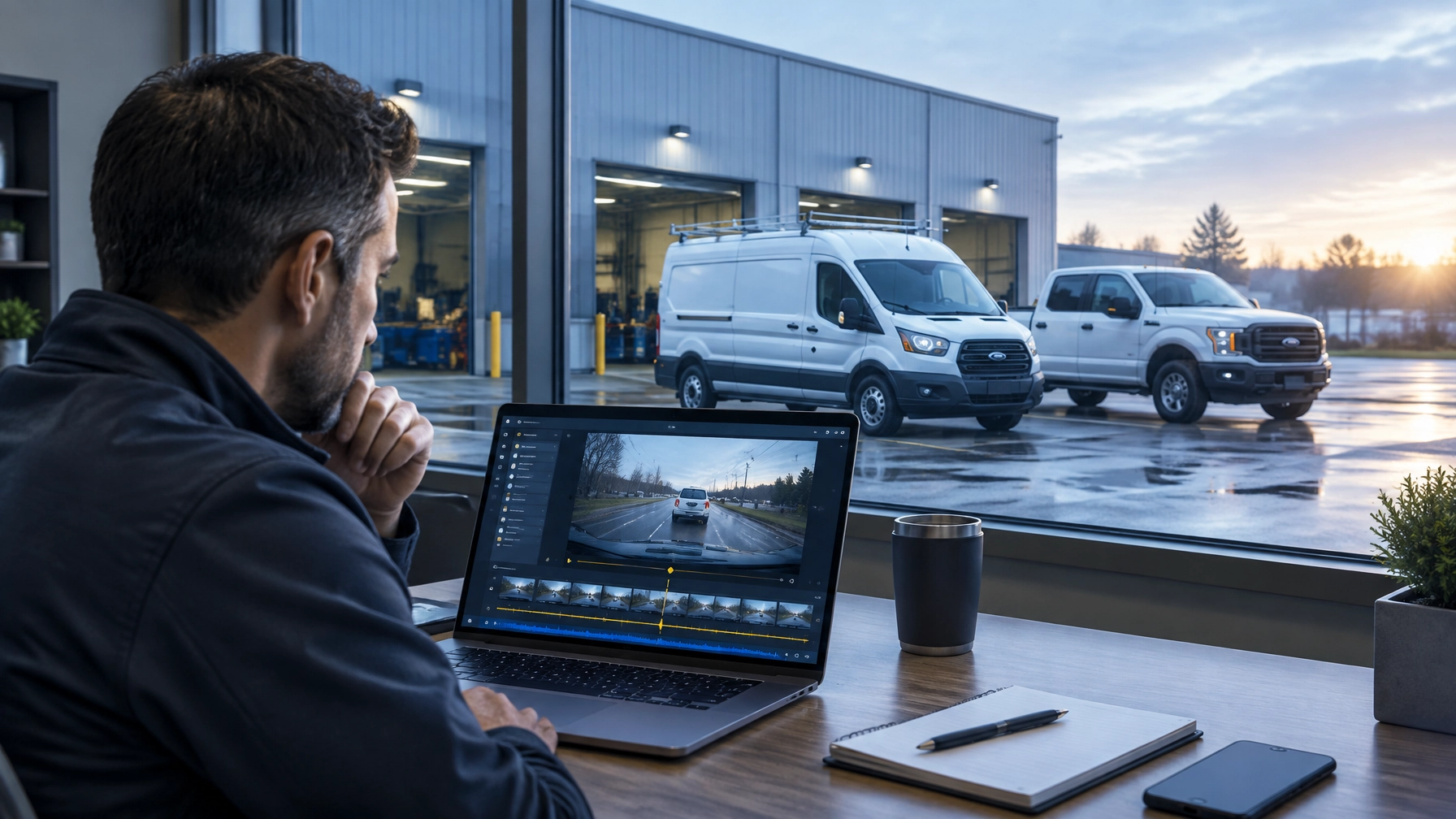
With direct video telematics solutions, fleet managers can review video, compare it with location data, and download evidence without waiting for a vendor to retrieve the file.
Delayed Claims Create Real Dollar Exposure
Claims do not pause while a fleet waits for video.
An insurer may request footage shortly after an incident. A customer may ask for proof of what happened. A third party may already provide a version of events that places responsibility on the fleet.
Without timely video, the company may have to rely on:
- Driver recollections
- Customer statements
- Police reports
- Witness accounts
- Partial photographs
- Incomplete telematics records
These sources can help. They do not provide the same visual context as a timestamped dash camera recording.
Video can show traffic conditions, road position, following distance, signals, braking, driver actions, and the moments before an incident. That context can help a fleet manager support a driver, challenge an inaccurate claim, or provide an insurer with clearer evidence.
The financial difference can be significant. A claim that could have been resolved with a short video review may instead require repeated calls, additional documentation, legal consultation, or a settlement made simply to close the matter.
The faster the fleet can review the facts, the faster it can make a defensible decision.

Three Days Is Too Long to Protect Evidence
Many dash camera systems use local or looped storage. Storage capacity depends on the camera, memory card, recording settings, and driving hours. In some configurations, older footage can be overwritten within a few days.
That makes a three-day delay more than an administrative issue.
If a fleet does not identify and preserve the relevant event quickly, the footage may no longer be available when the claim escalates. Managers may then have to make decisions based on incomplete evidence.
A proactive video process should allow authorized users to:
- Identify the vehicle and event.
- Open the relevant date and time.
- Review the footage remotely.
- Download the necessary clips.
- Preserve the files for claims, coaching, or legal review.
- Share the evidence with approved parties.
A connected fleet camera system supports this process by giving managers remote access instead of requiring a physical SD card pull or a vendor retrieval request.
The goal is simple: protect the evidence before the opportunity disappears.
Legal Exposure Grows When the Facts Stay Unclear
A delayed video response can also increase legal exposure.
When a company cannot produce footage promptly, opposing parties may question whether the video was preserved correctly. They may ask when the company became aware of the incident, who controlled the footage, and why the evidence was not available sooner.
A direct-access system does not eliminate legal obligations. It does make the internal process more reliable.
Fleet managers can create a consistent evidence workflow that includes:
- Immediate review after a reported incident
- Downloaded copies of relevant footage
- Timestamp and vehicle identification
- Secure storage for claim-related files
- Documented access by authorized personnel
- Follow-up review when new questions arise
This process helps the company respond with facts instead of assumptions. It also reduces the chance that an important clip remains trapped in a retrieval queue while a dispute becomes more serious.
For small and mid-sized businesses, a clear process matters. A single serious claim can consume a large share of an annual risk budget.
Delayed Coaching Leaves Risk on the Road
Dash cameras should do more than document accidents. They should help fleet managers improve driving behavior before a near miss becomes a claim.
When footage takes three days to obtain, coaching loses momentum. The driver may complete several more routes before the manager can review the event. The details become less clear. The conversation becomes general instead of specific.
Direct access supports timely, constructive coaching.
A manager can review the clip and discuss:
- Following distance
- Hard braking
- Lane positioning
- Driver distraction
- Speed management
- Backing procedures
- Response to changing traffic
The discussion can happen while the event is still fresh. The manager can also recognize positive decisions, such as defensive braking or avoiding another vehicle’s unsafe maneuver.
This creates a stronger safety culture. Coaching becomes a regular operating practice instead of a delayed response after a serious incident.

Driver Downtime Has a Cost, Too
A vehicle involved in an incident may need to remain out of service while the company determines what happened. A driver may need to provide multiple statements. A manager may need to coordinate with a customer, insurer, repair facility, and legal representative.
Every hour adds friction.
For a small service company, one vehicle out of rotation can affect the entire schedule. Missed appointments can lead to overtime, route changes, customer credits, or lost work. For a delivery or construction fleet, a delayed vehicle can disrupt several jobs instead of one.
Prompt footage access helps managers make faster decisions:
- Was the vehicle involved in the reported event?
- Does the footage show visible damage?
- Was the driver operating within company policy?
- Does the vehicle need inspection or repair?
- Can the driver safely return to work?
- Does the customer’s account match the recorded evidence?
The footage does not replace an inspection or formal investigation. It gives the company information sooner, which helps reduce unnecessary downtime.
Customer Disputes Continue When Answers Are Slow
Customers expect timely answers when a delivery, service appointment, or property damage complaint involves a fleet vehicle.
A three-day delay can make a simple question feel unresolved. The customer may escalate the issue, request a refund, submit a chargeback, or share a negative account before the company can respond.
Video can help clarify:
- Arrival and departure times
- Vehicle position
- Loading and unloading activity
- Property access
- Roadside conditions
- Contact with another vehicle or object
- Whether the reported event occurred
A fleet manager who can review and download footage immediately can respond with evidence instead of speculation. That protects the customer relationship while also protecting the company’s position.

Unlimited Viewing and Downloads for $99.95 Per Vehicle, Per Month
Fleet managers should not have to ration video access.
A company may need to review multiple clips during one week. Managers may investigate a claim, coach a driver, answer a customer question, and review a near miss. Per-clip charges or vendor retrieval limits discourage the consistent use of video.
Safety Track’s $99.95 per vehicle, per month unlimited video plan includes:
- Unlimited video viewing
- Unlimited video downloads
- Direct access to fleet footage
- Greater flexibility during claims reviews
- More opportunities for driver coaching
- Less dependence on vendor retrieval support
The value is not limited to major collisions. Managers can use video throughout the operation without wondering whether another viewing request will create an additional charge or delay.
Unlimited access also helps reveal patterns. A manager can compare repeated hard-braking events, review improvements over time, and coach based on actual driving conditions.
That is a stronger return than using video only after a serious incident.
Choose Direct Control Over a Three-Day Waiting Period
A fleet camera system should not create another administrative bottleneck.
The right commercial dash cam system gives authorized fleet managers the tools to review footage when they need it. It should support remote playback, live monitoring, timestamped video, and simple downloads. It should also connect video with the location and event data needed to understand the complete situation.
Safety Track provides direct video access without calls, tickets, or waiting for a vendor retrieval queue. The $99.95 per vehicle, per month unlimited video plan gives businesses unlimited viewing and unlimited downloads, so managers can use footage to handle claims, protect drivers, resolve customer disputes, and improve safety.
Your fleet recorded the video. Your team should control the evidence.
Contact Safety Track for a fleet assessment and learn how direct video access can reduce hidden costs across your operation.

Tyler Schneider is the IT Director at Safety Track, overseeing the company’s technological infrastructure and innovations. With a strong background in information technology and systems management, Tyler ensures that Safety Track stays at the forefront of tech solutions in fleet management. His strategic expertise supports the seamless integration of technology across the company’s operations.