
It’s Your Data: Owning Your Fleet Video From Capture to Claim
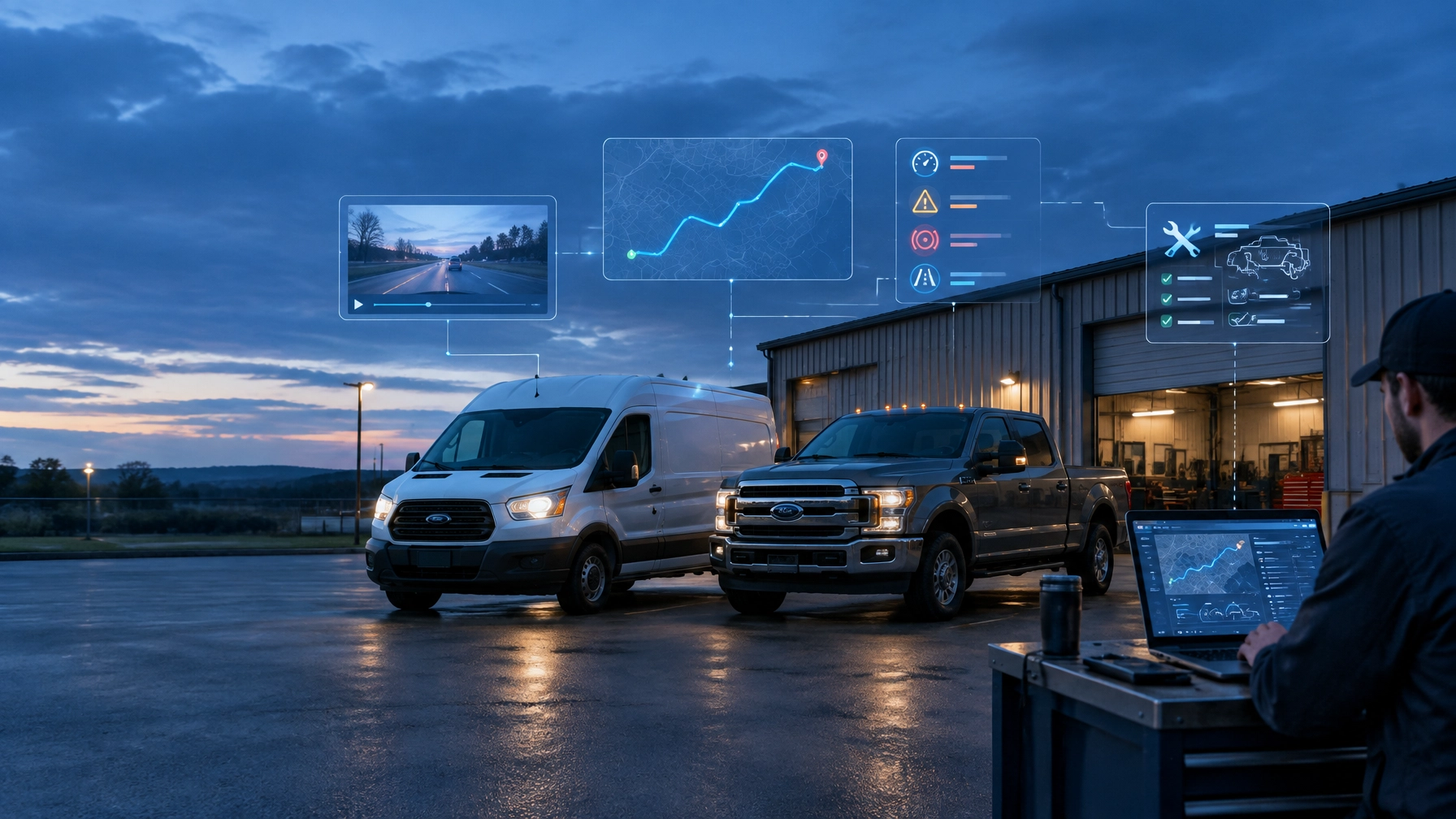
Small fleet owners depend on data every day. GPS location history helps dispatchers plan routes. Driver behavior events show where coaching is needed. Maintenance and diagnostic data helps prevent avoidable downtime. Dash-camera footage provides important context when an incident becomes a claim.
The practical question is simple: Who controls that data when the business needs it?
Data ownership is more than a contract term. It determines whether a fleet owner can access a video clip immediately, export historical records when changing providers, and build a complete record of what happened. For small businesses operating US-model vans and light trucks, control over fleet data supports better decisions and faster action.
Data Ownership Starts With Clear Access Rights
Telematics data can include several different layers:
- Video clips from outward- and inward-facing cameras
- GPS location history and trip records
- Driver behavior events, such as harsh braking or speeding
- Vehicle diagnostics and fault codes
- Maintenance records and service history
- Event timestamps, vehicle identifiers, and related metadata
Contracts and applicable laws can define the rights associated with each type of data. Fleet owners should review those terms before selecting a platform, not after an incident occurs.
A strong agreement should clearly address:
- Who owns the raw data
- Who can view and download it
- How long the data is retained
- Which formats are available for export
- How quickly the data can be retrieved
- What happens when the contract ends
Ownership also means practical control. A fleet owner should not have to rely on a vendor to manually retrieve ordinary business records every time footage or trip history is needed.
The Safety Track fleet safety and compliance solution combines GPS tracking, camera systems, and real-time monitoring to give fleet managers a clearer view of vehicle activity and driver safety.
Ask Four Questions Before Choosing a Fleet Platform
Small businesses do not always have a dedicated IT or data-management team. That makes simple, direct access especially important.
Before selecting a GPS tracking or dash-camera platform, fleet owners should ask:
Can the business get its data out?
A platform should provide a clear way to download video, GPS history, driver events, and maintenance-related information. The process should not depend on a special request for every file.
What format is available?
Video exports should remain usable for insurance, legal, training, or internal review. GPS and event data should be available in a structured format that can be analyzed or moved into another system when needed.
Fleet owners should request a sample export during the evaluation process. This confirms whether the files include useful timestamps, vehicle details, event information, and other relevant metadata.
How fast is access?
An incident can create immediate demands from an insurance adjuster, customer, attorney, or law enforcement agency. A process that takes days can slow the claim and leave important questions unanswered.
Are there per-export fees or permission requirements?
A fleet should understand whether downloads are included in the subscription or charged individually. It should also know whether a vendor approval process applies before footage can be retrieved.
These questions reveal the difference between having data stored somewhere and actually controlling it.

Self-Serve Access Keeps Fleet Owners in Control
A self-serve model puts the fleet manager in charge of routine access. The owner or authorized team member can find a vehicle, select a date or event, review the footage, and download the file without waiting for a vendor retrieval request.
That control matters in several situations:
- A customer disputes where or when a service occurred
- A driver reports a near miss
- An insurance adjuster requests footage
- A fleet manager needs to coach a driver
- A company wants to review a route or stop
- A legal team needs to preserve evidence
- An owner is comparing service providers
Immediate access does not remove the need for good data governance. Fleet businesses should still use role-based permissions, strong passwords, clear retention rules, and documented procedures for sensitive footage.
However, those safeguards should support control rather than create unnecessary delays. Authorized users should be able to access the information required for legitimate business purposes.
Safety Track’s instant video access approach is designed around that practical need. Fleet customers can access their footage directly instead of waiting for a vendor to locate and deliver each requested clip.
Your Data Matters Most at Claim Time
A claim often begins with incomplete information. A fleet owner may know the approximate time and location of an event but lack the full context. Video can show traffic conditions, lane position, vehicle movement, and what happened immediately before an incident.
The faster a business can review and preserve that footage, the more effectively it can respond.
With direct access, a fleet owner can:
- Locate the correct vehicle and time period
- Review the event footage
- Compare video with GPS location history
- Check related driver behavior events
- Download the relevant files
- Share them with the appropriate claims or legal contact
- Preserve the information before routine retention limits apply
This process can happen the same day. It does not require the owner to submit a retrieval request and wait for someone else to find the footage.
Video does not automatically determine liability. Claims decisions depend on the complete facts, applicable policies, and legal requirements. Still, direct access gives the business the opportunity to provide accurate information quickly.
The insurance adjuster video guide from Safety Track explains why fast access can make the claims process more efficient.

Ownership Extends Beyond Video
Fleet video is highly visible, but it is only one part of the data set.
GPS location history
Location records help businesses review routes, confirm arrivals, and understand vehicle utilization. Owners should know how far back they can access trip history and whether they can export it for operational or customer records.
Driver behavior events
Events such as speeding, harsh braking, rapid acceleration, and excessive idling can support coaching and safety programs. Because these records relate to employee performance, access should be limited to authorized personnel and used consistently.
Maintenance and diagnostic data
Fault alerts, engine information, mileage, and service history help fleet managers plan repairs and reduce downtime. Exportable records also help preserve vehicle history when a vehicle is sold, replaced, or moved to another maintenance process.
Video and event metadata
A video clip is more useful when it can be connected to the vehicle, time, location, and event that generated it. Fleet owners should understand whether related metadata is included with a download or stored separately.
Treating these data types as one connected operational record gives owners a more complete view of fleet performance. GPS can establish where a vehicle was. Video can show what occurred. Diagnostic information can explain whether a mechanical condition contributed to the event.
Unlimited Video Access Makes Budgeting More Predictable
Small business owners need technology costs to be clear. Per-clip charges can make routine review more difficult and can discourage managers from using footage for coaching, training, and incident prevention.
Safety Track offers an unlimited video plan for $99.95 per vehicle, per month. The plan includes unlimited viewing and unlimited downloads.
That structure allows a fleet manager to review and download footage without counting every clip as a separate expense. It also supports broader use of video across the business, including:
- Reviewing disputed events
- Coaching drivers with specific examples
- Recognizing safe driving behavior
- Preparing claim documentation
- Checking customer-service issues
- Supporting internal safety reviews
The unlimited video plan overview provides more detail on the flat monthly model.

Data Portability Protects the Business at Contract Time
A fleet owner should be able to change providers without losing access to years of business records.
Before signing a contract, the business should confirm:
- Whether historical video can be downloaded in bulk
- Whether GPS history and driver events can be exported
- Whether maintenance and diagnostic data can be retrieved
- How long the provider keeps data after termination
- Whether export fees apply
- How quickly a final export will be completed
- Whether the company can continue accessing data during a transition
Portability is not a sign that a business plans to leave. It is a basic safeguard that protects the company’s records and negotiating position.
A provider should earn continued business through service value, visibility, and support, not by making the company’s own operational history difficult to retrieve.
Fleet owners can also use the Safety Track fleet management resources to review options for GPS tracking, AI-enhanced camera systems, real-time monitoring, asset tracking, and maintenance tracking.
Build a Practical Fleet Data Policy
A small business does not need a complicated data-governance program. It does need clear internal rules.
A useful policy should identify:
- Who can view live and historical video
- Who can download and share footage
- How claims-related footage is preserved
- How driver behavior data is used for coaching
- How long routine records are retained
- How sensitive data is secured
- How data is exported when systems change
Fleet owners should also provide drivers with clear notice about camera use and monitoring practices. The policy should explain the purpose of the technology, such as safety improvement, incident review, customer service, and claims documentation.
Clear rules build trust while keeping the business prepared.
The Owner Should Control the Next Step
Fleet data supports decisions across safety, operations, maintenance, and claims. That value is reduced when access depends on a request, a queue, or an uncertain export process.
The right platform gives authorized fleet users immediate control over their footage and practical access to the broader data set. It allows owners to review information when they need it, download it when they choose, and preserve it when an event requires action.
For a small business operating vans and light trucks, ownership means more than seeing a dashboard. It means having the ability to use, protect, export, and retain the company’s data, from the moment it is captured to the moment it supports a claim or business decision.

Tyler Schneider is the IT Director at Safety Track, overseeing the company’s technological infrastructure and innovations. With a strong background in information technology and systems management, Tyler ensures that Safety Track stays at the forefront of tech solutions in fleet management. His strategic expertise supports the seamless integration of technology across the company’s operations.