
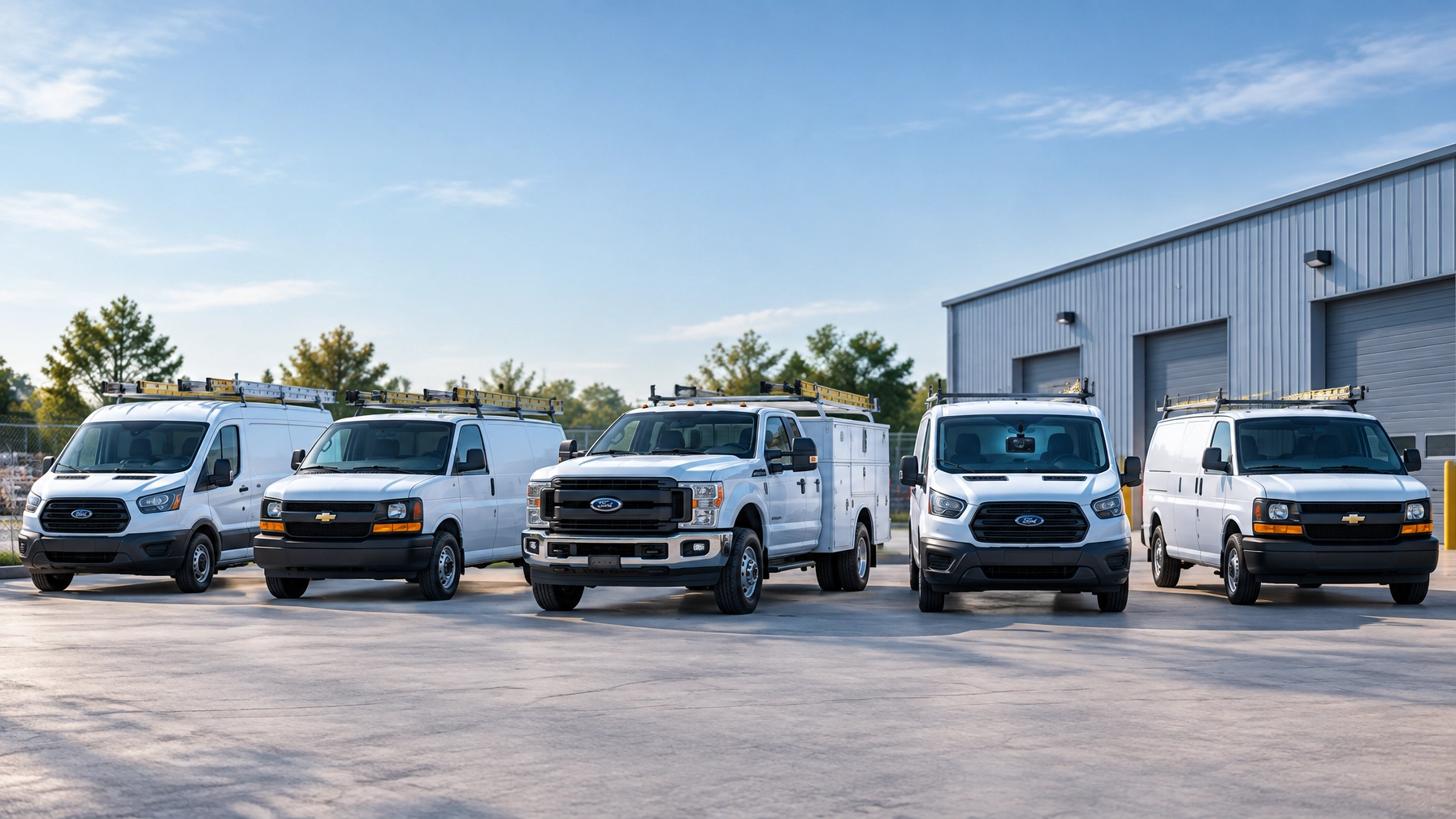
One Camera or Four? Right-Sizing Video for a Five-Van Fleet
A five-van service fleet does not automatically need five identical camera systems. The right setup depends on how each vehicle operates, where it travels, what it carries, and which risks create the greatest cost.
An HVAC van that travels between suburban homes may need different coverage than a plumbing truck that backs into tight driveways every day. A delivery vehicle working in busy urban areas may need more visibility around its sides and rear. A contractor carrying expensive equipment may need a cargo view or asset tracking instead of additional road-facing cameras.
The goal is not to select the biggest camera package. The goal is to match camera coverage to the risks the fleet actually faces.
Start With the Camera Positions That Matter
Fleet video systems can be configured with several camera positions. Each one answers a different operational question.
Forward road-facing camera
A forward-facing camera records the road ahead. It can help fleet managers review:
- Collisions and near misses
- Traffic conditions
- Unsafe following distance
- Sudden braking
- Lane changes and turns
- Road hazards
- Disputed liability claims
For most service fleets, forward-facing coverage is the starting point. It provides an objective record of what happened in front of the vehicle and supports driver coaching based on real events.
Driver-facing in-cab camera
A driver-facing camera records the cab and the person operating the vehicle. Depending on the system configuration, AI-enhanced monitoring can help identify behaviors such as distraction, phone use, fatigue indicators, or failure to wear a seat belt.
This view helps managers understand whether an event involved driver behavior, roadway conditions, or the actions of another vehicle. It also supports fair coaching because managers can discuss a specific event instead of relying on assumptions.
Rear camera
A rear camera focuses on the area behind the van or light truck. It is especially useful for vehicles that:
- Back into residential driveways
- Work at crowded customer locations
- Load or unload in tight areas
- Operate near docks, alleys, or job sites
- Frequently reverse around pedestrians or equipment
Backing incidents often occur at low speeds, but they still create vehicle damage, property claims, downtime, and customer disputes. Rear coverage gives managers more context during these events.
Side or blind-spot camera
Side cameras monitor areas that may not appear clearly in a forward or rear view. They can help identify:
- Side-swipes
- Vehicles entering a blind spot
- Cyclists or pedestrians near the vehicle
- Tight turns in urban areas
- Clearance issues around job sites
- Loading and unloading activity
Side coverage becomes more valuable when a vehicle operates in dense traffic, narrow streets, busy parking lots, or residential areas with limited visibility.
Cargo or equipment camera
A cargo-facing camera looks into the van’s interior or equipment area. It can help businesses review:
- Whether tools were loaded or removed
- Damage to equipment
- Unauthorized access
- Loading and unloading activity
- Inventory handling
- Disputes involving missing items
A cargo camera is not always the best solution for protecting expensive equipment. For some businesses, asset tracking may provide better visibility into trailers, equipment, or non-powered assets.

How Many Cameras Does a Five-Van Fleet Need?
There is no universal camera count. A small fleet may use two views on one vehicle and four or more on another.
Option 1: Forward-facing only
A single forward-facing camera may be appropriate when the primary concern is roadway evidence. This setup can work for a vehicle that:
- Travels mostly on open roads
- Rarely backs into tight spaces
- Carries standard tools
- Operates in low-congestion areas
- Has limited exposure to side-impact risk
Forward-only coverage keeps installation and review simple. It focuses attention on the road and provides useful evidence for common collision and liability questions.
Option 2: Forward-facing and driver-facing
A dual-lens camera can provide road and in-cab coverage from one installation point. This is often a practical starting point for a five-van fleet.
This configuration is useful when the business wants to address both external and internal risk. Managers can review what happened outside the vehicle while also checking for distraction, fatigue indicators, or other driver-related factors.
For a service van that rarely reverses in tight spots, forward and driver-facing coverage may be enough.
Option 3: Forward, driver-facing, and rear
A rear camera adds important protection for vehicles that regularly back into driveways, customer lots, alleys, or job sites.
This setup may be a strong fit for:
- Plumbing and HVAC service vans
- Residential delivery vehicles
- Electrical contractors
- Landscaping trucks
- Construction service vehicles
- Vehicles that operate around customer property
The rear view adds installation time and another video angle to review. However, it directly addresses backing risk that a front-facing camera cannot capture.
Option 4: Forward, driver-facing, rear, and side
A four-view system provides broader coverage around the vehicle. It can be appropriate for vans working in urban areas or locations where side-swipes and blind-spot events are frequent.
This configuration may benefit vehicles that:
- Make frequent stops on busy streets
- Navigate narrow residential roads
- Turn through congested intersections
- Operate around pedestrians and cyclists
- Work in crowded commercial lots
- Carry out repeated loading and unloading
More coverage can improve visibility, but it should serve a clear purpose. A side camera should be added because side risk is meaningful for that vehicle, not simply because the camera system supports it.
Option 5: Add cargo coverage or asset tracking
A cargo-facing camera can help when the interior of the vehicle is central to the business risk. A contractor carrying specialized tools, high-value parts, or portable equipment may benefit from visibility into the cargo area.
In other situations, asset tracking may be more efficient. If the primary question is where a trailer, generator, lift, or other non-powered asset is located, tracking that asset directly may provide better operational value than adding another interior camera.

Use This Decision List for Each Vehicle
Fleet managers can evaluate each vehicle independently. The following checklist helps match coverage to actual operating conditions.
For a service van that mainly travels between appointments
- Does the vehicle rarely reverse in tight areas?
- Does it operate mostly on suburban roads?
- Does it carry standard tools with limited inventory risk?
- Is driver behavior and collision evidence the main priority?
If the answer is yes, forward-facing and driver-facing coverage may be sufficient.
For a van that frequently backs into driveways
- Does the driver reverse at nearly every customer location?
- Are driveways narrow, sloped, or crowded?
- Do customers, children, pets, or equipment move near the vehicle?
- Have backing incidents created damage or claims?
If the answer is yes, add rear coverage. The additional view directly addresses the vehicle’s most common exposure.
For an urban delivery or service vehicle
- Does the vehicle operate in dense traffic?
- Are side-swipes or blind-spot events a concern?
- Does the driver make frequent curbside stops?
- Does the vehicle turn through narrow streets or busy lots?
If the answer is yes, side coverage may provide more value than a cargo camera.
For a vehicle carrying expensive tools
- Is equipment frequently removed at customer locations?
- Would a missing tool create a significant replacement cost?
- Is the concern theft, loading accuracy, or damage?
- Would tracking the equipment provide more useful information than recording it?
If the answer is yes, compare a cargo-facing camera with asset tracking and fleet visibility tools.
For a light truck working at construction sites
- Does the vehicle reverse near workers or equipment?
- Does it operate on uneven or crowded job sites?
- Does it carry materials in an open bed?
- Are side clearance and rear visibility limited?
If the answer is yes, rear and side coverage may be justified. The right combination depends on the truck body, equipment layout, and worksite conditions.
More Channels Mean More to Review
Additional camera channels create more visibility, but they also create more information. Managers should account for:
- Installation time
- Hardware and wiring
- Maintenance requirements
- Cellular data usage
- Storage and retention needs
- The time required to review multiple angles
- Driver communication and privacy policies
A five-van fleet does not need every vehicle configured with the same number of cameras. Standardizing the platform can simplify management, while customizing camera positions by vehicle type keeps the investment focused.
Unlimited video viewing becomes particularly useful as camera coverage expands. Reviewing a backing event may require the rear view, forward view, and driver-facing view. A side-impact investigation may require footage from both the road and side cameras.
Safety Track’s unlimited video plan is $99.95 per vehicle, per month and includes unlimited viewing and unlimited downloads. That gives authorized fleet users direct control over their footage without paying for each clip or waiting for a vendor to retrieve video.
Managers can review the complete context, download footage for an insurer or customer, and revisit the event during driver coaching. Learn more about unlimited dash cam video access.

Match Coverage to the Risk, Not the Biggest Spec Sheet
The best camera system is the one a business can use consistently. A two-view system may be the right answer for one vehicle, while another requires rear, side, and cargo coverage.
Fleet managers should begin with the operating pattern:
- Identify where the vehicle spends most of its time.
- Review the incidents and complaints the business has experienced.
- Note whether the vehicle reverses frequently.
- Consider driver behavior and fatigue-monitoring priorities.
- Evaluate the value and location of tools or equipment.
- Select only the camera positions that address those risks.
- Confirm that managers can access, view, and download footage directly.
This approach controls cost while improving practical visibility. It also makes the system easier for a small business to manage because every camera has a defined purpose.
Safety Track provides AI-enhanced fleet dash cameras, GPS tracking, real-time monitoring, and custom camera configurations for service fleets. The right solution can help managers protect drivers, respond to claims, improve accountability, and maintain clearer control over daily operations.
Contact Safety Track to evaluate the right camera coverage for each vehicle in a small business fleet.

Tyler Schneider is the IT Director at Safety Track, overseeing the company’s technological infrastructure and innovations. With a strong background in information technology and systems management, Tyler ensures that Safety Track stays at the forefront of tech solutions in fleet management. His strategic expertise supports the seamless integration of technology across the company’s operations.