
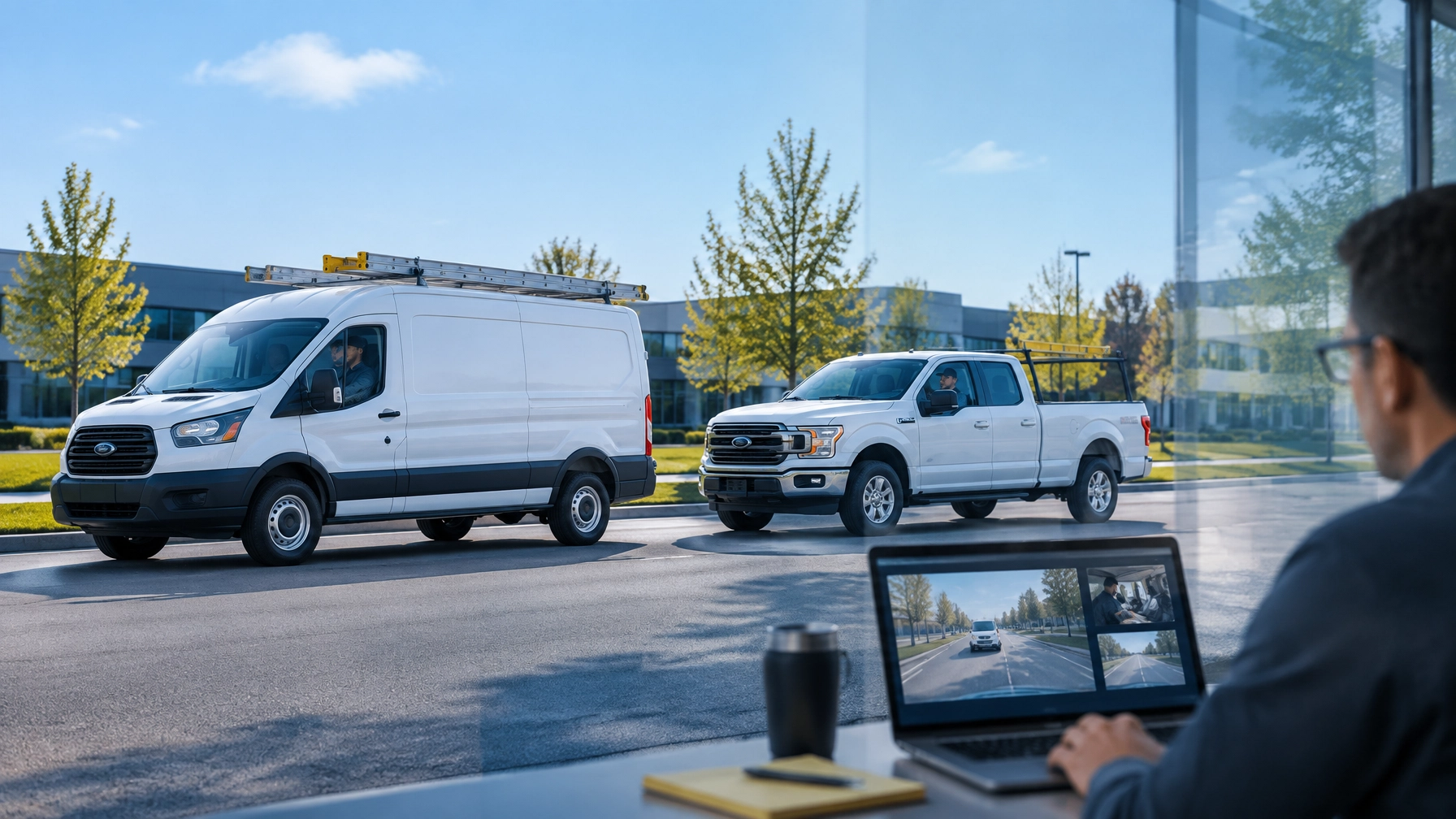
Unlimited Video Isn’t Just About Watching : It’s About Coaching
Fleet safety improves when coaching happens close to the behavior being addressed.
A driver follows too closely. A near-miss occurs. An AI dash camera flags distraction or harsh braking. If the footage is difficult or expensive to access, the coaching conversation gets delayed. The opportunity to correct the behavior becomes less effective.
Per-clip pricing creates the same problem in a different way. Managers begin asking whether every clip is worth the cost. That hesitation limits routine review and turns video into an incident-only tool.
Unlimited video access changes the workflow. Safety Track’s $99.95 per vehicle, per month unlimited video plan includes unlimited viewing and unlimited downloads. Fleet managers can review the footage they need, coach consistently, and use near-misses as practical training moments without being charged for every clip.
Coaching Requires More Than a Camera
A camera records what happened. Coaching explains what should happen next time.
That distinction matters for fleet managers and safety directors. A video system should not only document collisions or defend against false claims. It should also help identify repeat behaviors before they lead to injuries, vehicle damage, or costly downtime.
Modern AI dash cameras for fleets can identify events such as:
- Distracted driving
- Harsh braking
- Following too closely
- Lane departure
- Forward collision risk
- Speeding
- Driver fatigue indicators
- Unsafe acceleration or cornering
These alerts give managers a starting point. The footage provides context. The coaching conversation turns that information into a safer habit.
Without regular access, the process breaks down. Managers may see only the most serious events. Drivers receive feedback weeks after the incident. Small risks continue until they become larger problems.
Unlimited access supports a more proactive approach.
Why Per-Clip Pricing Discourages Safety Review
Per-clip pricing appears simple. A fleet pays only when it retrieves video. That model can work for occasional claims review. It becomes restrictive when a company wants to coach drivers every week.
A safety director may need to review:
- Three near-misses from one route
- Several harsh-braking events from a new driver
- A pattern of distraction during afternoon shifts
- Multiple backing incidents across the fleet
- Positive examples of defensive driving
- A customer complaint that requires additional context
When every download carries an additional cost, managers may review only one clip or skip the review entirely. That limits the value of the camera system.
The problem is not the price of one video. The problem is the behavior that pricing creates. A fleet begins treating footage as something to conserve rather than a resource to use.
The $99.95 per vehicle, per month unlimited video plan removes that barrier. Managers receive unlimited viewing and unlimited downloads. They can compare events, review trends, and save clips for training without calculating the cost of each decision.

The Five-Minute Coaching Loop
Effective coaching does not require a long meeting. It requires fast access, a clear example, and a consistent follow-up.
A five-minute coaching loop gives fleet managers a practical process.
1. Identify the event
The process starts with an AI alert, telematics report, driver observation, or customer report. The event may involve harsh braking, distraction, tailgating, or a near-miss.
The manager records the vehicle, driver, time, and event type. This creates a clear purpose for the review.
2. Open the video immediately
The manager accesses the footage through the video platform. There is no need to wait for a vendor to retrieve the file. There is no need to remove storage media from the vehicle.
Immediate control matters because the event is still current. The manager can review the moments before and after the trigger while route details and road conditions remain clear.
Safety Track’s connected video telematics solutions help managers connect video with vehicle information and event timing. That context creates a more accurate review.
3. Review the full situation
A short event clip does not always tell the complete story. Managers should review the surrounding footage when available.
The driver may have braked because traffic stopped suddenly. A vehicle may have entered the lane without warning. A route may include a difficult intersection or restricted visibility.
Reviewing context prevents incorrect conclusions. It also makes the coaching conversation more credible.
4. Discuss one specific behavior
The manager then speaks with the driver. The conversation should focus on one observable action.
Examples include:
- “The following distance decreased before the vehicle ahead stopped.”
- “The camera detected distraction while the vehicle was moving.”
- “The vehicle crossed the lane line during the turn.”
- “The braking response prevented a collision, but the following distance was too short.”
Specific language creates a practical lesson. General statements such as “Drive safer” do not provide the same direction.
5. Document the next step
The final step is a short follow-up note. The manager records the behavior discussed and the action expected from the driver.
The next step could include:
- Reviewing defensive driving procedures
- Adjusting the route or schedule
- Completing a targeted training module
- Monitoring the next several trips
- Recognizing a positive response to a hazard
This closes the loop. The event becomes part of an ongoing safety process instead of a forgotten alert.
Near-Misses Are Training Opportunities
A near-miss is an event that could have caused harm but did not. That outcome should not end the review.
Near-misses reveal where a process, route, vehicle, or driving habit needs attention. They also offer a lower-risk opportunity to coach before a collision occurs.

For example, a service van may avoid a collision because the driver brakes quickly. The event deserves recognition for the driver’s response. It also deserves review if the van was following too closely or approaching an intersection too fast.
Unlimited video access allows managers to study these details. They can identify whether the event was isolated or part of a larger pattern.
A fleet manager can also build a library of anonymized coaching examples. These clips can support team meetings and new-driver training. The goal is not to embarrass a driver. The goal is to show how professional decisions are made in real traffic.
Unlimited Access Supports Fairer Coaching
Drivers respond better when coaching is based on facts.
Video can show what the driver saw, what other vehicles did, and how the fleet vehicle responded. It can also protect drivers when an event was outside their control.
That balance is essential. A camera program that only identifies mistakes can damage trust. A coaching program that uses video to recognize good judgment can strengthen accountability and morale.
Unlimited viewing and downloads give managers the flexibility to review both types of events:
- Risky behaviors that require correction
- Defensive actions that deserve recognition
- False claims that need objective evidence
- Unclear events that require additional context
- Repeated patterns that require broader training
This makes fleet safety more consistent. Drivers know the company is reviewing the facts rather than relying only on assumptions or complaints.
More Video Access Does Not Mean More Administrative Work
Some managers avoid frequent video review because they expect it to create another time-consuming task. A structured process keeps the workload manageable.
The five-minute coaching loop limits each review to a clear objective. Managers do not need to watch hours of footage without a reason. AI event detection helps prioritize relevant moments, while remote playback allows authorized users to access footage from a computer or mobile device.
The result is a focused workflow:
- Review the flagged event.
- Confirm the surrounding context.
- Discuss one behavior.
- Document the follow-up.
- Monitor for improvement.
Over time, the data also shows which issues require broader action. If several drivers experience near-misses at the same location, the route may need review. If distraction events increase during certain shifts, scheduling or workload may be contributing to the pattern.
Video coaching can therefore improve more than individual performance. It can improve fleet operations.

A Practical Investment for Small and Mid-Sized Fleets
Small and mid-sized businesses need safety tools that support daily operations without adding unpredictable costs.
The Safety Track $99.95 per vehicle, per month unlimited video plan provides unlimited viewing and unlimited downloads. That structure makes it easier to include video in routine coaching, near-miss reviews, claims investigations, and driver training.
The value comes from using the system consistently. A fleet that reviews one clip only after a collision receives limited benefit. A fleet that uses video to identify patterns, reinforce good decisions, and correct risky behaviors builds a stronger safety program.
Managers can also combine camera footage with GPS tracking, vehicle location, and other telematics data. Safety Track’s AI fleet safety cameras help provide visibility into both the road and the driver’s actions.
Turn Every Relevant Event Into a Coaching Moment
Unlimited video is not simply a storage or viewing benefit. It changes how a fleet uses footage.
Managers do not have to wait for vendor retrieval. They do not have to decide whether one more clip is worth an extra charge. They can access the evidence, review the event, and coach the driver while the details are still clear.
That is the advantage of the five-minute coaching loop.
With unlimited viewing and downloads for $99.95 per vehicle, per month, Safety Track helps fleet managers turn near-misses into lessons, risky behaviors into improvement plans, and good decisions into repeatable standards.
A safer fleet is built through consistent action. Unlimited video gives managers the access required to take that action.
Learn more about Safety Track’s AI dash camera solutions or contact Safety Track to discuss a coaching-focused fleet video program.

Tyler Schneider is the IT Director at Safety Track, overseeing the company’s technological infrastructure and innovations. With a strong background in information technology and systems management, Tyler ensures that Safety Track stays at the forefront of tech solutions in fleet management. His strategic expertise supports the seamless integration of technology across the company’s operations.