
Fleet Management Software for the Owner With No IT Department
Running a plumbing, HVAC, electrical, lawn care, or delivery fleet often means managing vehicles between customer calls, not from a desk. When a van is late, a driver reports a warning light, or a customer asks when the crew arrived, finding the answer can take time away from the work that keeps the business moving.
Fleet management software brings everyday fleet information into one place. It can help an owner see vehicle locations, review driving events, check maintenance needs, and access camera footage without hiring an IT team. The key is choosing a system that fits the way the business already operates, and making room for people to learn it.
What fleet management software actually does
For a small fleet, fleet management software is a set of practical tools, not a complicated IT project. Depending on the system and equipment selected, it can help an owner:
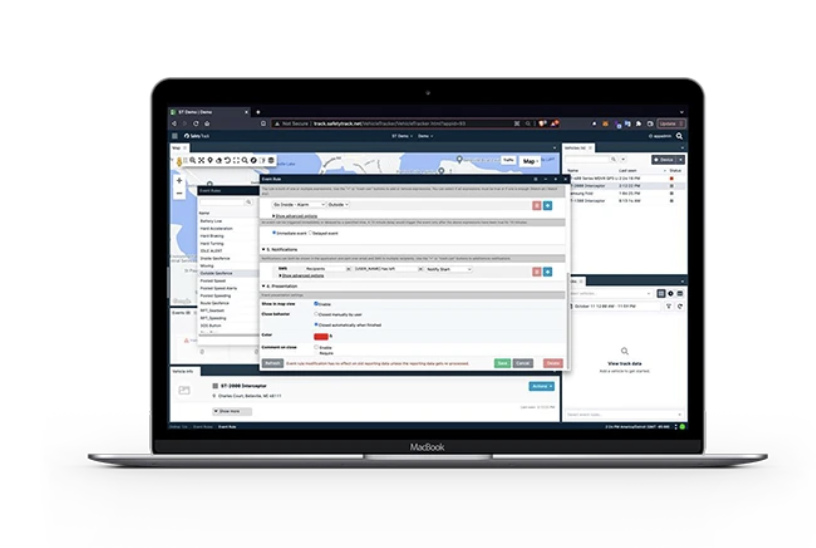
- See vehicles on a map: Check current locations and review trip history or route replay.
- Track arrivals and departures: Use trip and location records to understand when a vehicle reached or left a jobsite.
- Review driving events: Get alerts or reports about driving behaviors such as speeding or hard braking, depending on system configuration.
- Access video: Review footage to understand an incident, answer a complaint, or support driver coaching.
- Monitor maintenance: Use reminders and available diagnostic information to keep service needs visible.
- Run basic reports: Review activity such as idle time, fuel use, trips, or driver performance when supported by the selected setup.
These tools do not replace sound judgment or a conversation with a driver. They give managers a clearer record to guide those conversations and make decisions.
What a realistic first week looks like
The first week is about getting the basics right, not learning every report or alert at once. A small-business owner can make the rollout more manageable by following a simple sequence:
- List the vehicles and users. Confirm vehicle details, who drives each vehicle, and who should be able to see fleet information.
- Agree on the first use cases. Start with a few clear goals, such as checking jobsite arrivals, receiving maintenance reminders, or reviewing video after an incident.
- Set up devices and accounts. Find out which equipment is plug-in and which requires professional installation. Test that each vehicle appears and that the right people can access the app.
- Brief the team. Explain what information is collected, why the business is using it, and how drivers can report concerns or ask questions.
- Test a normal workday. Check a vehicle location, review a trip, confirm an alert, and, if cameras are included, practice finding the correct footage.
How much owner time should be set aside? As a planning estimate, a straightforward GPS rollout for a small fleet might take a few hours of owner or manager time during the first week, spread across setup, testing, and a driver briefing. Device installation, cameras, data cleanup, and a larger fleet can add time. Ask the provider for a schedule based on your vehicles and equipment; do not assume every product installs the same way.
After launch, a simple GPS setup may take roughly 30–60 minutes a week for a small fleet to review locations, alerts, and basic reports. That is a working estimate, not a guarantee. The time can increase when the business has several cameras, frequent incidents, complex maintenance workflows, or more drivers to coach.
Why the phone app matters when you work in the field
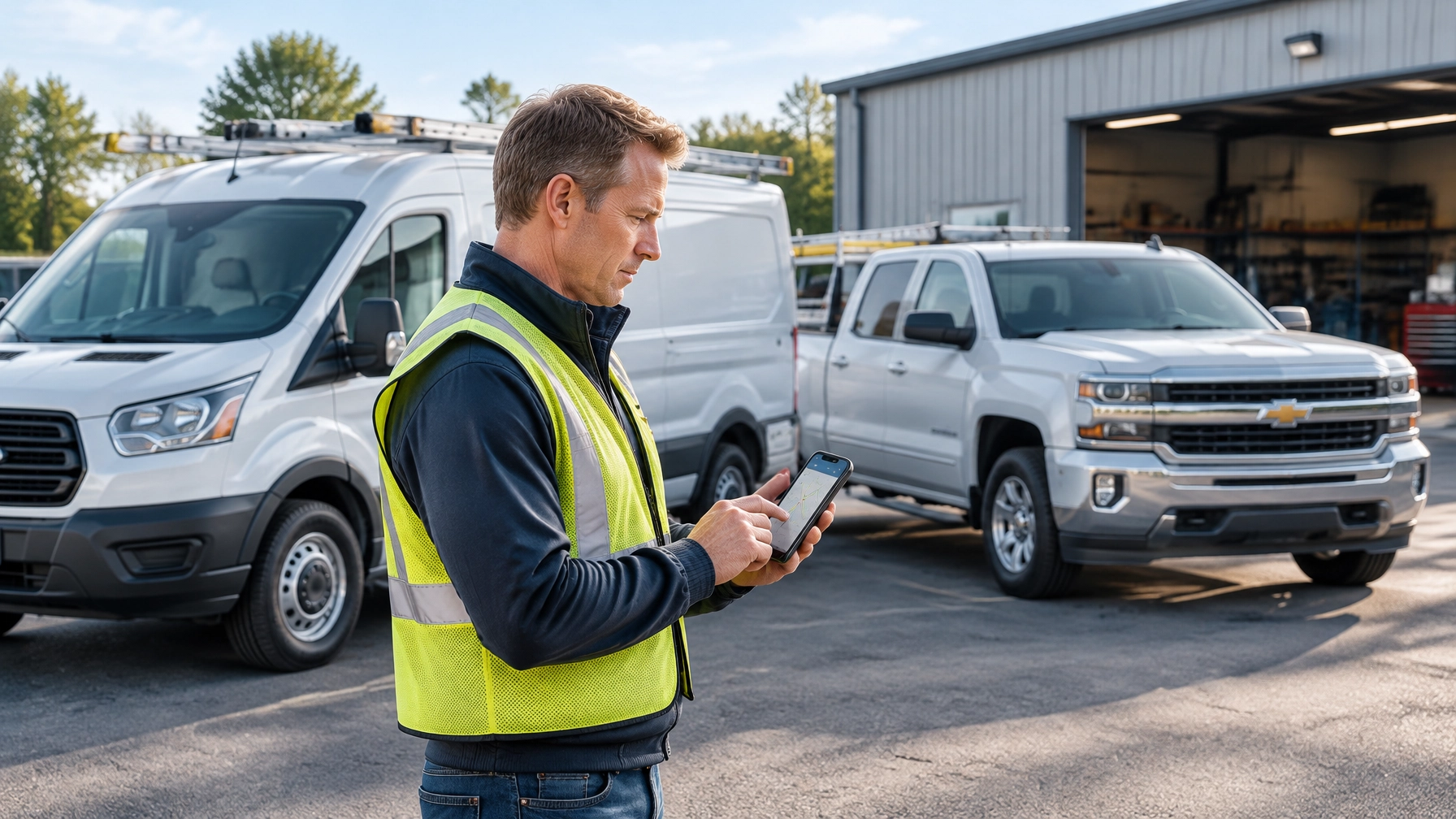
For an owner who spends the day visiting jobsites, a desktop-only system can become one more tool that waits until evening. A useful mobile app lets managers check vehicle locations, receive alerts, and review relevant information while away from the office.
Before buying, test the app on the phone you actually use. Try a common task, such as finding a vehicle or checking a notification. Ask whether the manager app and driver app have different permissions, and what functions require an internet connection. A fast, clear mobile workflow makes it easier to use fleet information as part of the workday, not as another backlog item.

Questions to ask before choosing fleet software
A short checklist can reveal whether a system is practical for a business without an IT department:
- Who installs it? Ask which devices are plug-in, which need a technician, and whether installation costs extra.
- What training is included? Find out who provides onboarding, what it covers, and whether help is available after the first week.
- Is support US-based? Ask where the support team is located, how to contact them, and what hours they cover. Safety Track lists Michigan-based support for its ST-2050 plug-and-play tracker.
- Can I export my data? Ask what information can be exported, in what format, and whether any fees or restrictions apply if you leave.
- What is the total cost per vehicle? Request a written quote that separates hardware, installation, monthly service, camera features, and any other charges.
- What can I do from the phone? Ask for a demonstration of the exact app tasks you expect to use.
- How does video retrieval work? Confirm who can access footage, how quickly authorized users can review it, and whether viewing or downloads are limited.
Safety Track advertises its ST-2050 GPS tracking service at $19.95 per month, with free hardware and no startup fees, according to its product page. Camera and video costs are separate considerations. Safety Track’s unlimited video plan is $99.95 per vehicle, per month, including unlimited viewing and unlimited downloads. Confirm which equipment and services are included in a quote before comparing total costs.
When an incident needs review, having direct access matters. Safety Track describes a setup that gives authorized fleet users control of video access without waiting for a vendor to retrieve footage. Review the plan details and camera compatibility with the provider before purchase. Learn about the unlimited video plan.
Adoption is a change-management job
Buying software does not automatically change how a fleet works. Drivers need to understand the purpose of the system, managers need to decide who reviews alerts, and someone needs to own maintenance follow-up. Without those simple agreements, useful information can go unnoticed.
Keep the first month focused. Start with one or two goals, such as improving visibility into vehicle locations or reducing missed maintenance reminders. Review progress with the team, adjust alerts that create noise, and add features only when there is a clear need.
For a small business, the right fleet management software is the one the owner and team can use consistently. Choose a system that is clear on a phone, supported during setup, and transparent about per-vehicle costs and data access. Talk with Safety Track about a fleet assessment and a solution tailored to your vehicles and daily operations.
Frequently asked questions
Does a small business need an IT department to use fleet management software?
Not necessarily. Many fleet tools are accessed through a web platform or mobile app. Before buying, confirm who handles setup, what training is provided, and how to get help when questions come up.
How much time does fleet software take to manage each week?
It depends on fleet size and which features are in use. As a planning estimate, a small fleet with a straightforward GPS setup might require around 30–60 minutes weekly for basic review after launch. Camera investigations, maintenance follow-up, and driver coaching can add time.
What should I check about a fleet management app?
Test it on your own phone. Check whether it supports the tasks you need in the field, such as viewing locations and alerts, and ask what happens when cellular service is unavailable.
What does Safety Track’s unlimited video plan cost?
Safety Track’s unlimited video plan is $99.95 per vehicle, per month and includes unlimited viewing and unlimited downloads. Confirm camera compatibility and any other equipment or service charges when requesting a quote.

Tyler Schneider is the IT Director at Safety Track, overseeing the company’s technological infrastructure and innovations. With a strong background in information technology and systems management, Tyler ensures that Safety Track stays at the forefront of tech solutions in fleet management. His strategic expertise supports the seamless integration of technology across the company’s operations.