
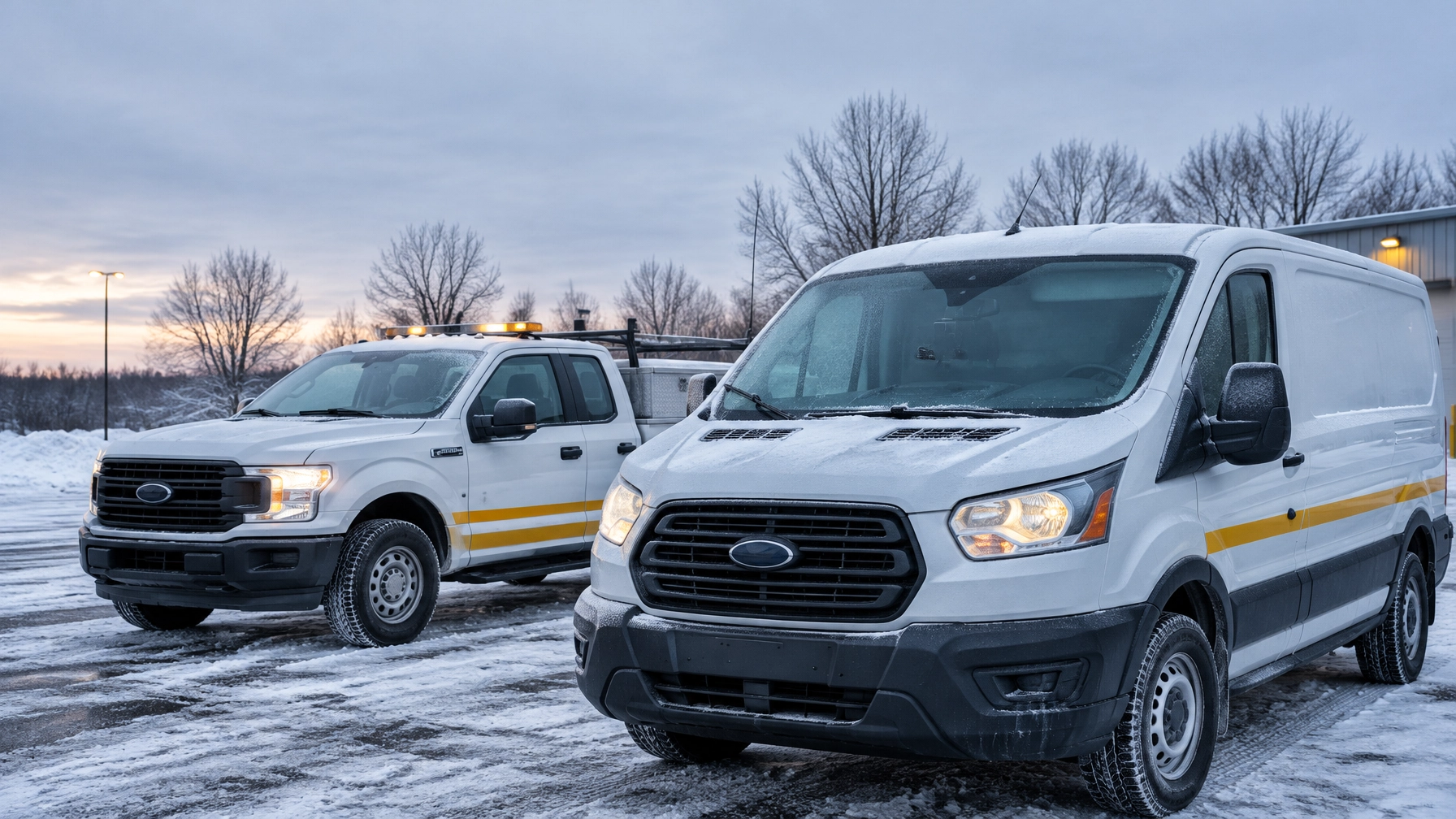
Does Your Fleet Camera Survive a Michigan Winter? Cold, Batteries, and Recording
A fleet camera can keep recording through a Michigan winter, but cold weather tests more than the camera itself. Vehicle batteries lose available capacity in low temperatures, snow and road salt can obscure the lens, and a mount or cable that seemed secure in fall may loosen after repeated freeze-thaw cycles.
For small businesses running service vans and light trucks, the goal is not to assume equipment will work because it worked in October. It is to check the installation, power supply, and recorded footage before winter conditions make a missed recording costly.
Cold affects batteries and equipment differently
Low temperatures reduce the available capacity of vehicle batteries. That matters to a camera system because the vehicle battery is also working harder during cold starts and may be powering heaters, defrosters, lights, and other winter equipment.
The camera’s own power design matters too. Some devices use a small rechargeable battery; others use a supercapacitor to preserve a short period of power during shutdown. These designs are not interchangeable, and performance depends on the product. Check the manufacturer’s specifications for the operating, charging, and storage temperatures of the camera and any accessories, not just a general “winter-ready” claim.
The University of Michigan explains how extreme cold affects vehicles and batteries. A camera may be rated to operate in cold weather while still having different limits for charging or storage. Review the specifications for the full system, including its hardwire kit and any separate battery.
Why a hardwired installation can help
A hardwired camera installation connects to a vehicle circuit through a properly selected fuse. Compared with a plug-in unit, a secure hardwired installation can reduce the chance that a power plug will loosen, get bumped, or be disconnected during daily use. It can also support parking-mode recording when the system is designed and configured for it.
Hardwiring does not make a camera immune to cold, and it does not automatically prevent battery drain. Parking-mode recording draws power when the vehicle is off. A suitable low-voltage cutoff and correct installation help protect the vehicle’s starting battery, but fleet owners should confirm how the system is configured and monitor battery condition.
A plug-in camera may still suit a vehicle’s needs. The important questions are whether the power connection stays secure, whether the camera records consistently, and whether the setup avoids excessive draw when the vehicle is parked. Have a qualified installer identify the correct circuit and route wiring safely. Cables should not interfere with airbags or vehicle controls.
Keep the lens clear through snow, salt, and condensation
Winter visibility problems can happen outside or inside the windshield. Snow, ice, and road-salt film can block or soften the camera’s view. Inside the vehicle, a cold windshield and warm, humid cabin air can create fogging near the lens. A camera may be powered on and recording while its footage is still too hazy to help.
Place the camera where it has a clear view through the windshield’s wiper-cleared area, following the camera manufacturer’s installation guidance. Keep the glass and lens clean, and clear snow and ice before driving. If the view fogs after the defroster is turned on, check whether the lens clears as the cabin warms. Persistent fogging or moisture inside the camera housing should be investigated rather than ignored.

A quick visual check during a shift can catch a dirty lens before a full day of routes is recorded through salt haze. Drivers should know how to report an obscured view without adjusting or handling the camera while driving.
Check the mount and cable before freeze-thaw cycles
A mount’s adhesive can struggle if it is installed on cold, damp, or dirty glass. Adhesive manufacturers specify application conditions; for example, 3M’s VHB 5952 technical data sheet gives guidance on application temperature and surface preparation. Follow the instructions for the specific mounting material rather than relying on a generic temperature assumption.
Before the first hard freeze, inspect for:
- Edges of the adhesive lifting from the glass
- A mount that has shifted or changed angle
- Loose connectors or a power plug that can move
- Cracked, pinched, or exposed cable insulation
- Wiring that rubs against trim or is exposed to moisture and slush
If the mount is lifting, replace or reinstall it according to the manufacturer’s directions. Pressing a failing pad back into place may not restore a reliable bond. For installation or wiring concerns, use a qualified installer.

For vehicles exposed to plow spray, slush, and salt, pay particular attention to cable routes and connectors near doors, exterior-mounted equipment, or other wet areas. Secure wiring so it cannot snag or rub, and use components suited to their installation location. The winterization guidance from Fleet Maintenance also emphasizes preparing fleet vehicles for demanding seasonal conditions.
Verify the recording, not just the power light
A status light can show that a camera has power. It does not prove that a usable video file is being saved. Before winter begins, confirm that the camera is recording, the date and time are correct, and the storage system is functioning.
Use a simple test:
- Confirm the camera powers on after a cold start.
- Drive a short route under normal operating conditions.
- Check that a recording was saved for the trip.
- Play back a clip and review the image, sound if applicable, and timestamp.
- Confirm that the camera’s view is not blocked by salt film, fog, or an incorrect angle.
Repeat the playback test after a particularly cold night and after any installation or vehicle service that could affect power or wiring. Check again after the first snow or slush event. A short test now is more useful than discovering a recording problem after an incident.

A practical pre-freeze checklist for small fleets
Before the first hard freeze, fleet owners and managers can:
- Review the camera, hardwire kit, and accessory temperature specifications.
- Check the vehicle battery and charging system as part of seasonal maintenance.
- Confirm that the camera has a secure power connection and appropriate low-voltage protection.
- Inspect the mount, cable routing, connectors, and camera angle.
- Clean the windshield and camera lens.
- Test a recording and play it back after an overnight cold soak.
- Explain to drivers how to report a camera issue and how to keep the lens view clear.
Winter conditions change. Add brief camera and wiring checks to existing vehicle inspections instead of treating the camera as maintenance-free. Fleet maintenance resources such as Waytek’s winter electrical-system checklist can also help teams think through seasonal electrical checks.
Make video access part of the winter plan
When an incident happens, managers need to find and review footage promptly. Safety Track offers camera solutions for fleet vehicles, including live video fleet cameras. Customers have immediate control over their footage, so they can access it without waiting for a vendor to retrieve it.
The $99.95 per vehicle, per month unlimited video plan includes unlimited viewing and unlimited downloads. That can make it easier for a small fleet to review recordings, check a driver’s view, and download relevant footage when needed. See Safety Track’s camera solutions or contact the team to discuss a setup for your vehicles.
Verify, maintain, and keep operating
No fleet camera is indestructible. Cold weather can affect power, visibility, mounts, and wiring, so the reliable approach is to verify the system and maintain it through the season. Check the vehicle battery, inspect the installation, keep the lens clear, and confirm that recorded video plays back after cold nights.
Those simple steps help small businesses enter winter with a clearer view of their fleet, and a better chance of having usable footage when it matters.

Tyler Schneider is the IT Director at Safety Track, overseeing the company’s technological infrastructure and innovations. With a strong background in information technology and systems management, Tyler ensures that Safety Track stays at the forefront of tech solutions in fleet management. His strategic expertise supports the seamless integration of technology across the company’s operations.